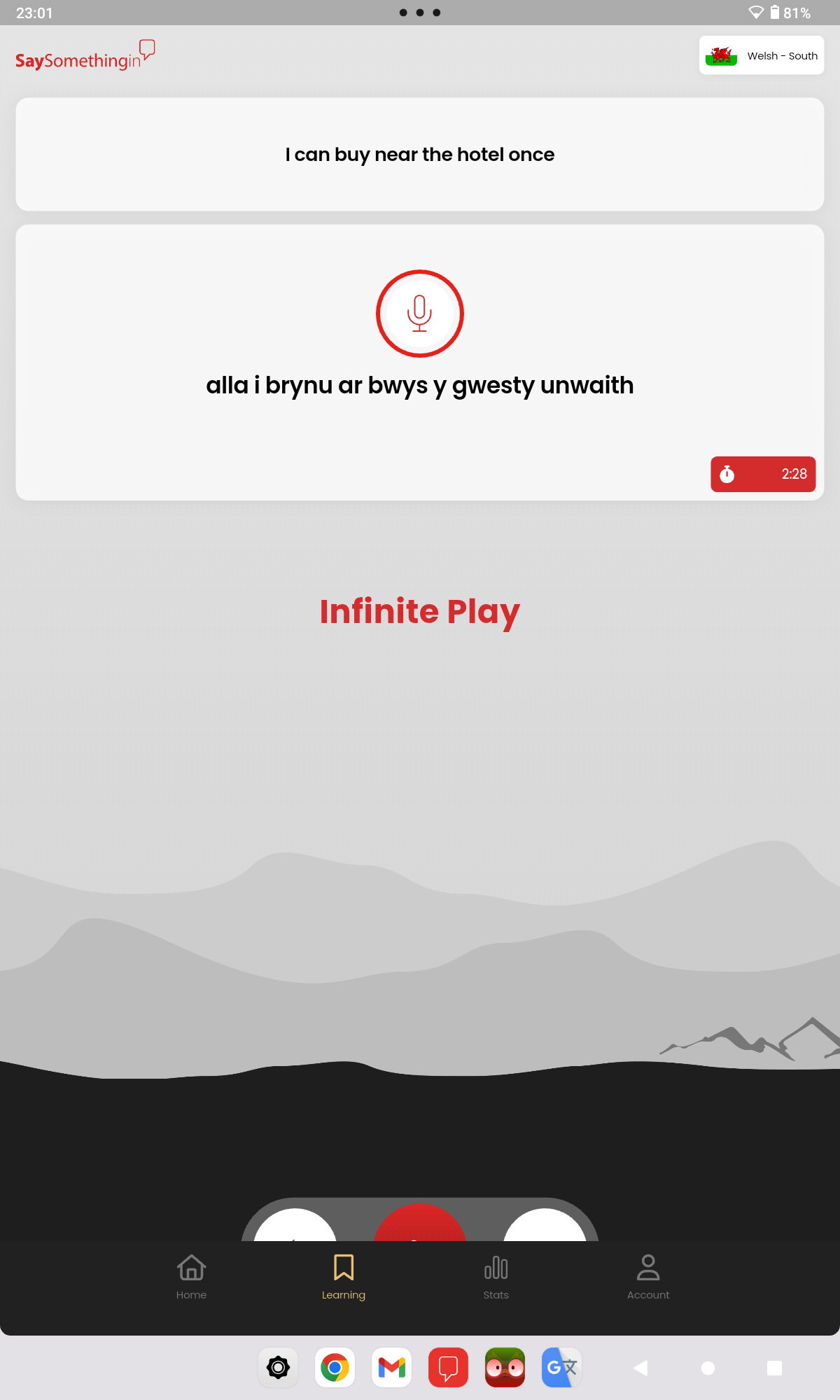
On my tablet, you can see that the navigation buttons are obscured.
Don’t have this problem with my phone,
Anyone else have this issue?
Thanks
1 Like
It is fine on my iPad - and in both vertical and horizontal positions (and I much appreciate this new version - thanks tech folk!). @nigel-28 If clicking on the little half-moon of the red ‘play’ button at the bottom doesn’t ‘reset’ your frame, I suggest you send an email to SSiW (admin@saysomethingin) to report it.
1 Like
@nigel-28 I’ve just seen in another post somewhere else in this Forum maze that the Tech team can be contacted at: support@saysomethinginwelsh (though I’m sure the admin folk - probably @Deborah-SSi ! - would pass your message on)
1 Like
The Tech Team are aware that there are issues with the tablet version and they’re working on those at the moment. In the meantime, if anyone has a problem with the new interface, e.g. navigation panel gone AWOL or trying to hide itself, just use the web browser version temporarily - app.saysomethingin.com. That should be fine, and we’ll let you know when you can go back to the tablet app.
1 Like
Thanks.
I can just about see enough of the navigation buttons to use them (but a new user may not know their function).
Fyi the phone app works ok for this.
As an observation, I don’t think optimal use is being made of the screen display on both phone and tablet with the new app which features combined English and Welsh text.
Some of the text appears quite small (on both phone and tablet) especially on longer sentences and can be difficult to read.
By using all of the screen for display this could be avoided. There is a lot of wasted space below the Welsh text box and the navigation buttons which could be used to optimise text display.
1 Like
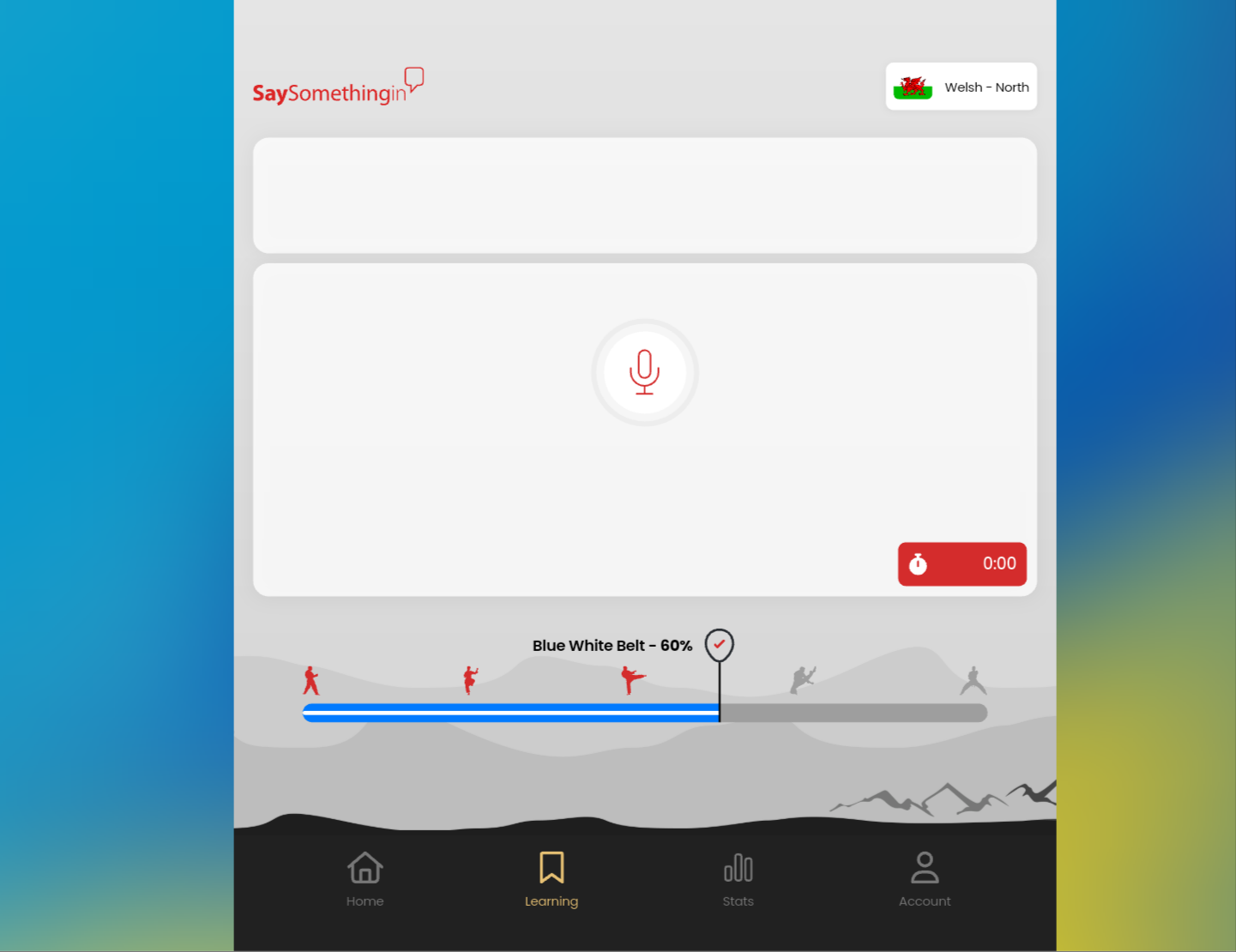
I dont have any buttons at all since the update on my android. I have tried deleting app and uploaded again, forced stop etc and this screen is all i get now
1 Like
I am pleased the ‘infinite play’ now works properly for me on the new app version; however, I won’t be relinquishing the old app because the new app still throws me back to having to log into the website when trying to access Advanced content or the Old courses. Do you know if there any plans afoot to incorporate direct access to these other Resources @Deborah-SSi ? Just to be automatically kept logged when transferring io the SSiW website would be useful although (and despite the Advanced content not displaying titles or corresponding to the order on the website) I do like the old app easy-for-me-to-use numbering format.
2 Likes
p.s. (although not actually about the new app) a while ago I tried downloading to this Forum the list I made of which numbers on the old App correspond to what is available in the Advanced Content, but it didn’t seem to work properly. It downloads fine on Slack, and I’ll try to remember to repost there before the 3 months cutoff for Slack posts disappearing.
1 Like
@l-jay When you say “Android” is that on a phone, or a tablet?
The Tech Team are aware that there are issues with the tablet version and they’re working on those at the moment. In the meantime, if anyone has a problem with the new interface, e.g. navigation panel gone AWOL or trying to hide itself, just use the web browser version temporarily - app.saysomethingin.com. That should be fine, and we’ll let you know when you can go back to the tablet app.
If it’s a phone, could you give more detail? What kind of phone? What version operating system etc? The Tech Team will need to check why that’s happening.
1 Like
That’s a known issue on the Tech Team’s list of things to fix.
Also, as they get the old and new systems more aligned - not an easy task! - the single login will become a feature.
1 Like
@susan-w-lewin if it’s a document, try saving it as a PDF, then have a go at uploading it to the forum again. It’s fine with PDFs, but doesn’t seem to like some other formats, Word for example.
1 Like
Diolch @Deborah-SSi Just discovered 5 more have been added since Jan 2nd: 3x Daniel Glyn & 2x Bethan Gwanas! I’ll update my list and try the pdf format. Where would be the best place to put it on this Forum?
1 Like
This would be the best thread - Advanced Content - Updates + Questions + Discussion
Once you’ve uploaded the document, let me know and I’ll edit the top post in that thread to alert people to the document if they scroll down.
1 Like
@nigel-28 I’ve passed that feedback through to the Tech Team and they appreciate it. As you can imagine, it’s not easy making a UI that resizes itself suitably for every type of mobile device, but they’re working on it.
1 Like
I sympathise, I hate the new versions of Word too. The wordprocessor in in LibreOffice is SO much better - none of those extra bells & whistles that no-one ever uses.
1 Like
Is the Italian course on the new app still the old course? I notice it still has some of the issues that were previously flagged, such as this one:
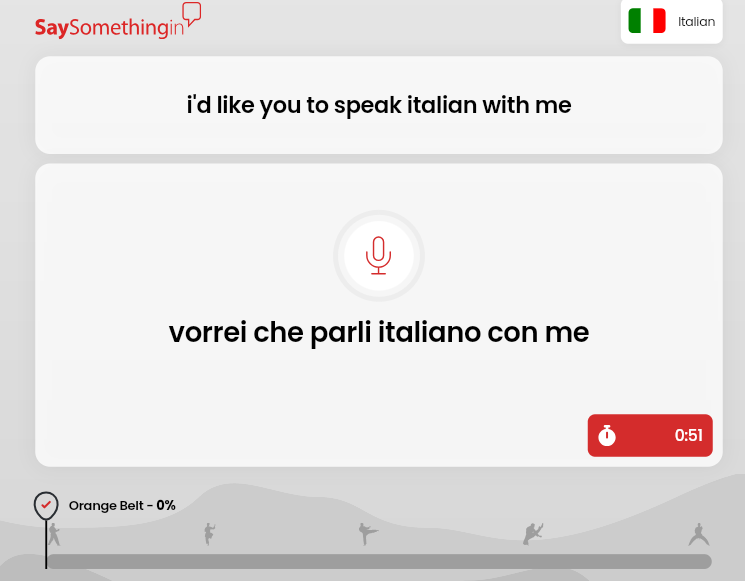
Sorry to pester, I know I’m asking this question for the 5th or 6th time, but any update on when the new one will be released?
1 Like
I’ve just downloaded it in pdf format there - hope it works!
1 Like
It’s in the very last stages of testing, so there’s an extremely good chance it will be this week … but I don’t want to promise as you never know what unexpected spanners can suddenly throw themselves into the works 
3 Likes
The web version wont let me log in. It treats me as a new learner for some reason. None of the website buttons work, only the Home button. Thankfully I can still login in to the old web courses
1 Like
Well, I’m off work this week (until Sunday) due to Vietnamese New Year (I’m currently in Vietnam) and have lots of time. I really hope you can launch the new courses in time for me to take advantage of this extra time I have. 
Or in other words, please decide the schedule of your entire organisation based around my needs and wishes. Do I need to remind you that the world revolves around me? 
3 Likes